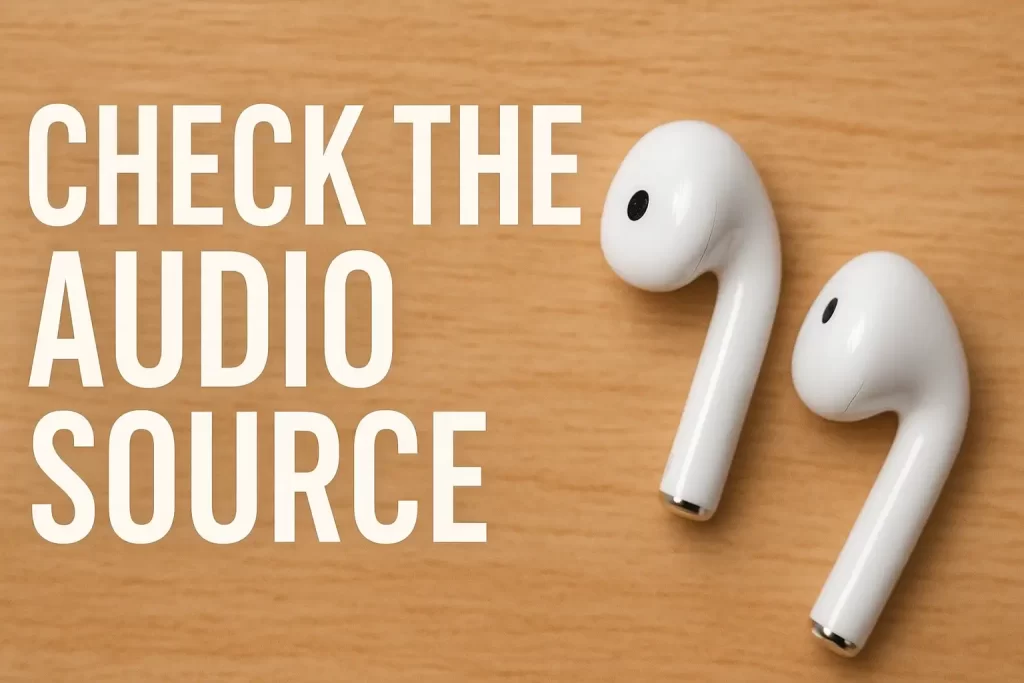
Try playing audio on another phone, laptop, or device. Sometimes the issue lies with the audio port or Bluetooth settings rather than the earbuds themselves.
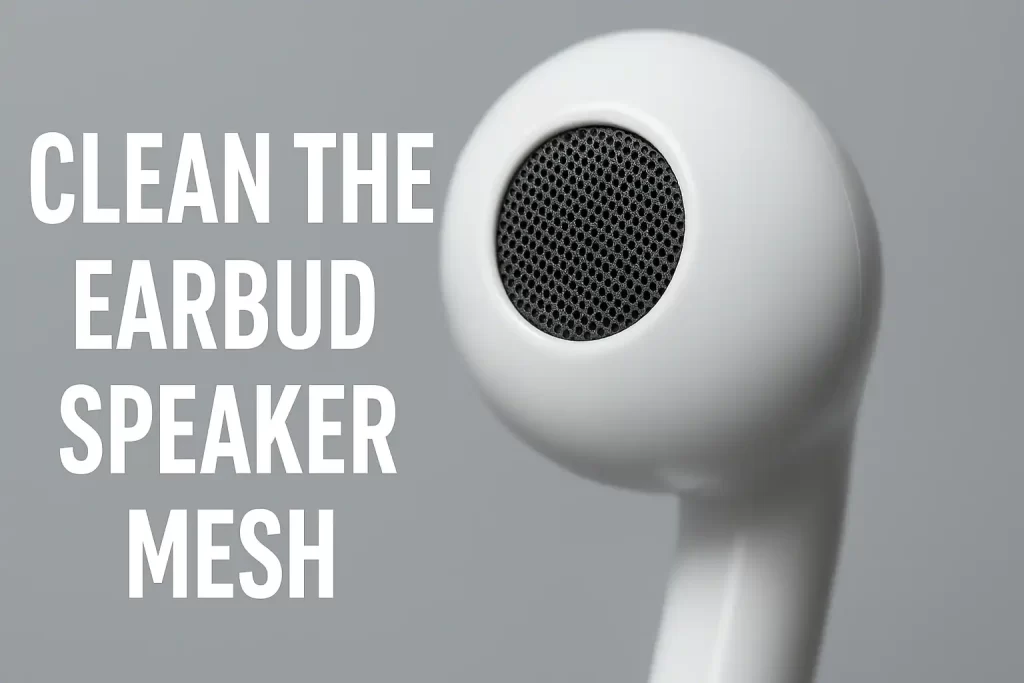
2. Clean the Earbud Speaker Mesh
Dirt, sweat, and earwax can clog the speaker grill, blocking sound on one side. Gently clean it using a dry brush, microfiber cloth, or soft cotton swab.
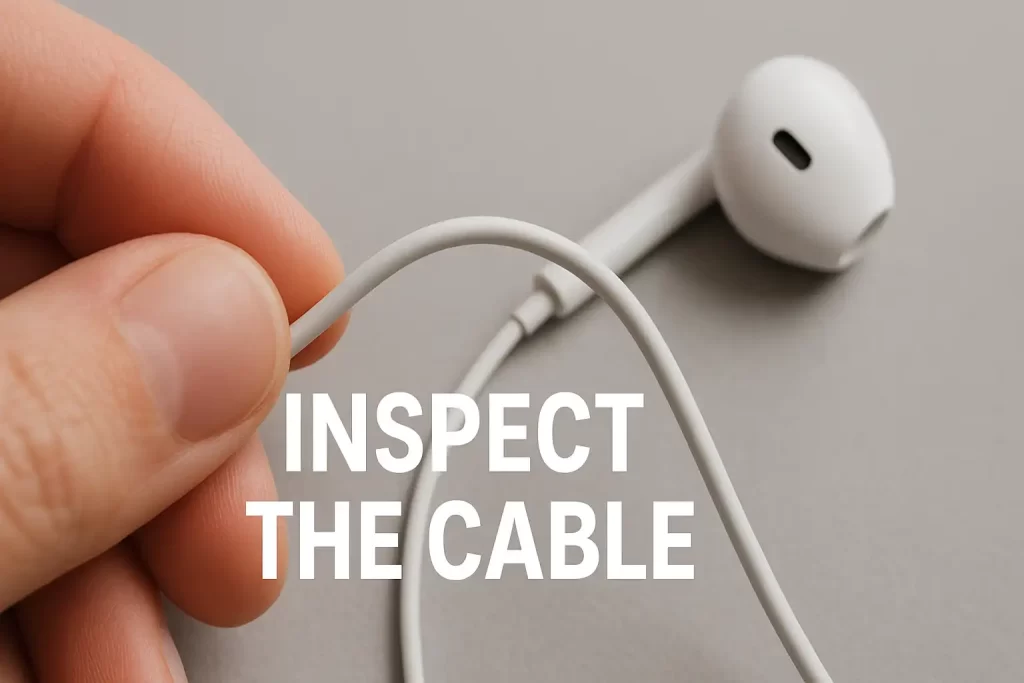
Bent or damaged wires near the jack or Y-split can cut audio to one side. Slowly twist the wire while playing audio—if sound comes back temporarily, the cable is probably damaged.
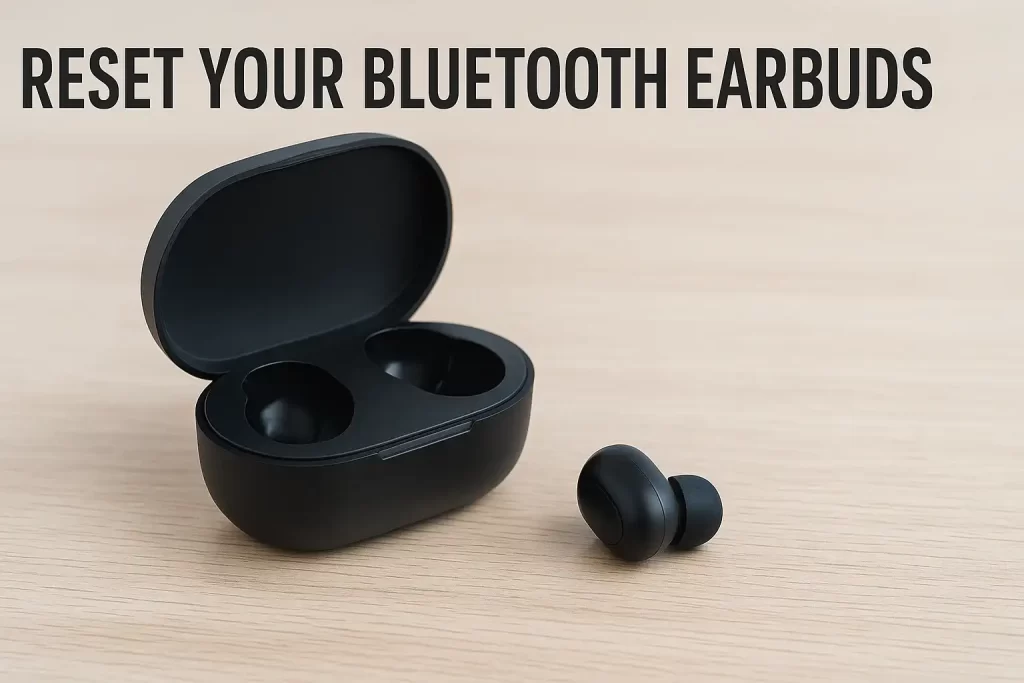
4. Reset Your Bluetooth Earbuds
For TWS earbuds, unpair and reset both buds. Ensure both are charged and connected as a pair, not individually.
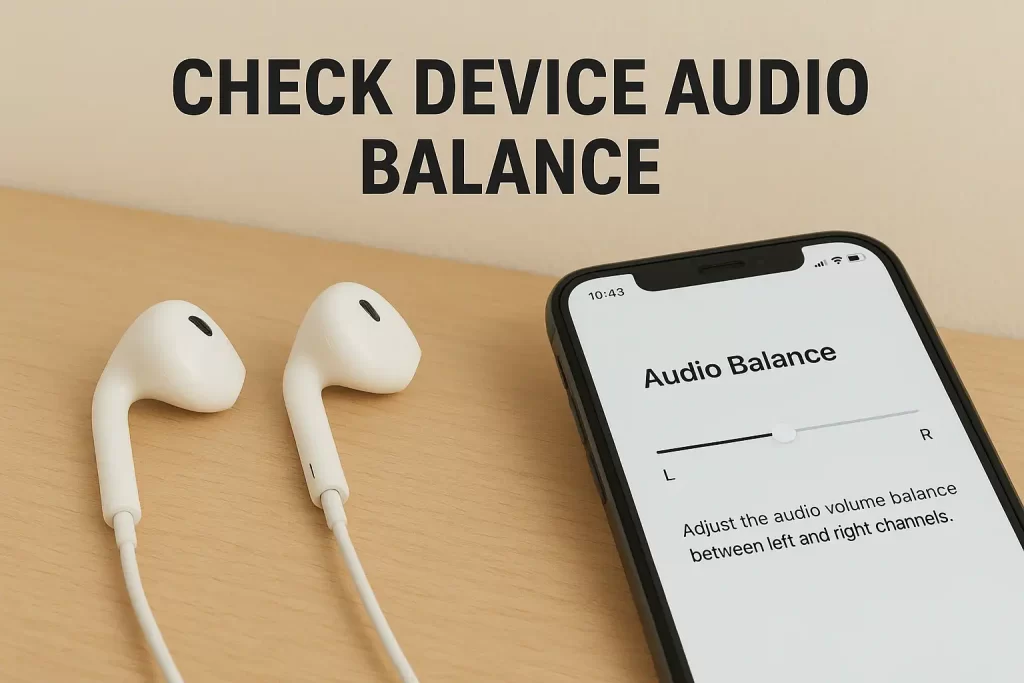
5. Check Device Audio Balance
Smartphones and PCs include a “Left–Right Balance” setting. If it’s shifted to one side, your earbuds will sound uneven.
6. Update Firmware or Drivers
Software bugs can affect audio output, and learning earphones working on one side only often starts with updating your device or earbud firmware, which can restore proper sound. If your earbuds still don’t work after these fixes, they may have internal damage that cannot be repaired. In such cases, upgrading to a reliable pair is the smartest option. You can explore high-quality earbuds and trusted mobile accessories at Perfect Mobile Zone to find durable products that deliver balanced, clear audio on both sides.